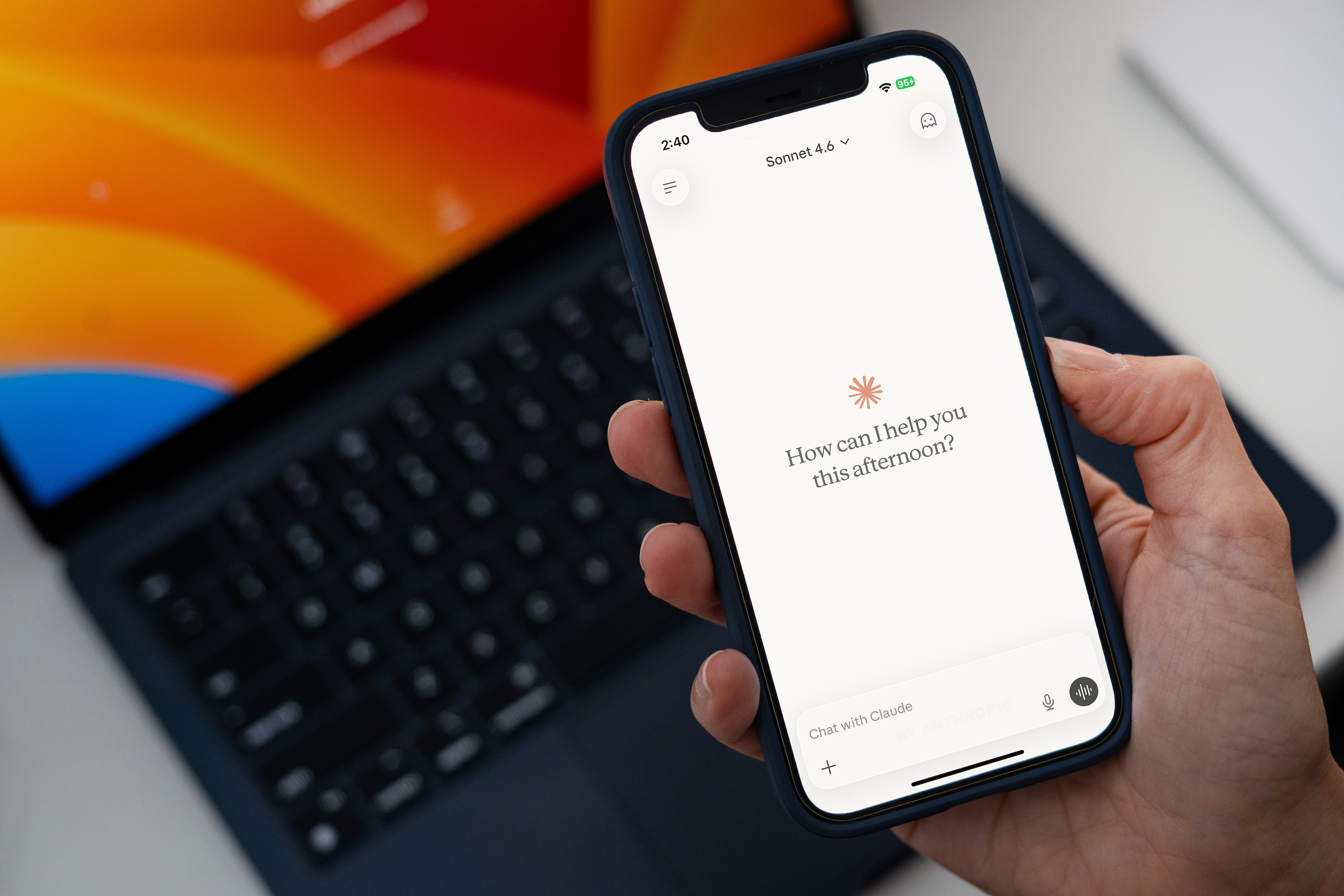
Over the last few quarters at Nansen, our clients’ and our own curiosity about AI integration has spurred us to modernize company processes that were overdue for an upgrade. Daily task syncs for project managers, tool-creation plugins for developers, and shared client databases for salespeople were just a few of the improvements we brainstormed. Months later, those ideas have coalesced into a functional system with plenty of room for further updates and customization.
One of the main catalysts for building a suite of artificial intelligence (AI) tools was our desire to leverage AI to its fullest potential. With the eventual goal of creating agents that could interface with Optimizely’s Opal AI platform, a few proactive people on our team took it upon themselves to explore what AI could do. Here’s what our team has accomplished, along with some of the wins we’re already seeing as we put this new technology into practice.
How It All Began
Our Chief Strategy Officer, Arnold Macauley, took it upon himself to learn what these tools were capable of and kicked off the initial design for our toolbox of Claude plugins. From the start, he prioritized future-proofing every design by giving Claude explicit instructions to recognize its mistakes and log them. We call this a Lessons Learned Document, and we keep two versions: one for macro, plugin-wide changes, and one for smaller, agent-specific updates that accumulate during development.
Keeping a running record of roadblocks is essential for a team. If one person hits a bug in a process or agent, that lesson gets captured so no one else has to rediscover it. We share these documents as standard practice. If an agent is handed off, the recipient already has any lessons learned sitting in the corresponding git branch. If the fix applies to the plugins as a whole, it goes to Arnold for the next release. These documents also help us adapt quickly when Claude or the systems our plugins connect to change.
Below are a few of the plugin skills we’ve found most useful, before we get into the ones behind our primary objective: developing agents for Optimizely’s Opal platform.
The Plugin Suite: Growth, Delivery, and Core
Arnold’s plugins span the full range of needs across Nansen’s org chart:
- Growth Plugin (built for the C-suite): tracks a client’s LinkedIn activity for outreach, processes client documents to map against our timesheet tasks, and compares a client’s current status to past projects in our playbook.
- Delivery Plugin (built for project managers): fills out timesheets using the week’s emails and Slack messages, sends budget alerts on remaining project hours, and synthesizes notes into weekly client meeting updates.
- Core Plugin (built for everyone): handles setup and onboarding, provides help text and a feedback channel, and runs a daily sync that gives employees a breakdown of their priority items each morning.
That daily sync is powered by what we call the Nansen Brain, a hosted database of company-wide knowledge. One of its most common uses is streamlining research by surfacing relevant details from past projects or recorded meeting notes.
As useful as the Brain and these plugin skills are, the most impactful piece of the whole system has been our Agent Builder Studio Plugin.
Building AI Agents for Optimizely Opal
As a developer, I can delve deeper with this plugin and share some of the successes we’ve had. Because many of our clients already use the Optimizely suite, we felt it was a natural next step to begin incorporating their new AI platform, Opal. Inspired by what we saw in their demos, we started developing a few agents of our own to get a feel for what was possible. Once a handful of proof-of-concept agents were functional, Arnold began architecting the Builder Plugin based on what we had learned.
As Opal itself has grown and changed, our knowledge base has kept up. It started as a few guidelines on using the CLEAR framework (context, logic, expectations, actions, refinement) to write prompt templates. It has since expanded to cover:
- How often should we build new tools versus reusing old ones
- What complexity level to set for a given agent
- How agent JSONs and tools get uploaded via the API
- How to structure variables passed between agents
- Assorted other Opal-specific quirks we’ve learned the hard way
In practice, once the requirements document for a new agent is finalized, our new-agent skill calls upon that well of knowledge to parse it. It weighs the best approach, raises any open design questions before committing to a plan, and maximizes efficiency by offloading as much logic as possible to tools. Claude then builds the tools and agent JSONs and uploads them to Opal, leaving developers to verify the run’s output and, if something breaks, steer Claude toward a fix.
That workflow creates a development loop that lets us rapidly make progress as soon as a deliverable’s details are locked in. When paired with the Lessons Learned Documents, we can then iterate through multiple versions until we reach the desired outcome.
Real client example: We had one client eager to automate their internal systems, so in just a few months, we built agents that:
- Send overdue task alert emails
- Read a catalog database and pull screenshots of trip details
- Manage progress through multi-step tasks
- Scrape all content in their CMP and categorize it with tags and generated descriptions
This initial burst of collaborative development helped us iron out the processes and proved the merit behind the plugin suite.
What’s Next for Nansen and Opal
With a track record of success behind Arnold’s plugins, we’re actively bringing on new clients who would benefit from Opal integration. As the technology evolves, the Nansen Brain and our Lessons Learned Documents help us keep up.
Want to put this system to work in your own internal workflows? Reach out to our team.
FAQ
What is the Nansen Brain? It’s Nansen’s internally hosted database of company knowledge, used to speed up research by recalling details from past projects and meeting notes.
What plugins has Nansen built with Claude? Three main ones: the Growth Plugin (for leadership and client outreach), the Delivery Plugin (for project managers), and the Core Plugin (company-wide onboarding and daily syncs) — plus the Agent Builder Studio Plugin for developing Optimizely Opal agents.
What is a Lessons Learned Document? An internal log where Claude records mistakes and fixes as they come up, shared across teams so the same bug or design flaw doesn’t have to be solved twice.
What is the CLEAR framework? Nansen’s structure for writing Opal prompt templates: context, logic, expectations, actions, refinement.